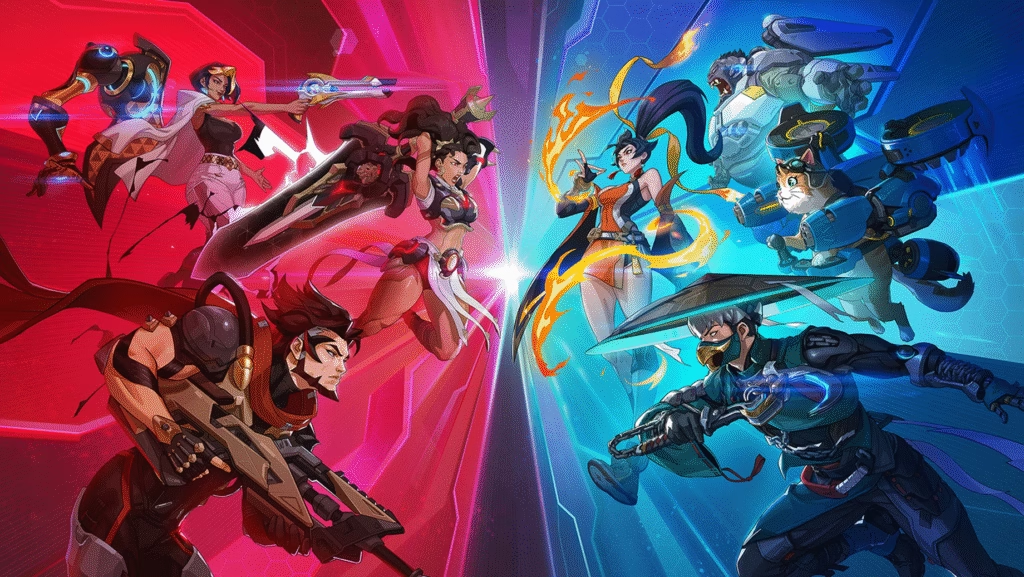
Discover the best Overwatch settings for FPS, sensitivity, graphics, and audio. Improve aim, reduce lag, and rank up faster with optimized pro-style configs.
🖥️ Best Video & Graphics Settings (Max FPS + Low Input Lag)
▶️ Display
| Setting | Recommended |
|---|---|
| Display Mode | Fullscreen |
| Resolution | Native (1920×1080 / 2560×1440) |
| Refresh Rate | Highest Available |
| V-Sync | Off |
| Triple Buffering | Off |
| Reduce Buffering | On |
✅ These settings reduce input delay and improve responsiveness.
▶️ Graphics Quality
Set Graphics Quality → Custom, then:
| Option | Setting |
|---|---|
| Render Scale | 100% |
| Texture Quality | Medium / High |
| Texture Filtering | 8x / 16x |
| Shadows | Low |
| Dynamic Reflections | Off |
| Ambient Occlusion | Off |
| Local Fog Detail | Low |
| Anti-Aliasing | Off / Low |
| Refraction Quality | Off |
| Motion Blur | Off |
| Bloom | Off |
🎯 Goal: 120+ FPS minimum for stable aiming.
🖱️ Best Mouse & Sensitivity Settings (Aim Like Pros)
▶️ Mouse
| Setting | Value |
|---|---|
| Mouse Sensitivity | 4.00 – 6.00 |
| DPI | 800 (Recommended) |
| eDPI | ~3200–4800 |
| Mouse Acceleration | Off |
| Invert Y-Axis | Off |
💡 Formula:
DPI × In-Game Sensitivity = eDPI
Example:
800 DPI × 5 Sens = 4000 eDPI ✅
▶️ Advanced Aim
| Setting | Value |
|---|---|
| Aim Smoothing | 0% |
| Aim Ease In | 0% |
| Aim Technique | Dual-Zone (Controller) / Precision (Mouse) |
⚠️ Keep smoothing OFF for true raw aim.
🎧 Best Audio Settings (Hear Enemies Better)
▶️ Sound
| Setting | Recommended |
|---|---|
| Sound Mix | Night Mode |
| Master Volume | 100% |
| Music Volume | 0–20% |
| Voice Chat | 60–80% |
| Sound Effects | 100% |
🎯 Night Mode boosts footsteps and ability sounds.
🎮 Best Gameplay & HUD Settings
▶️ Gameplay
| Setting | Value |
|---|---|
| Kill Feed | On |
| Show Accuracy | On |
| Show Friendly Outlines | Always |
| Color Blind Filter | Optional |
| Camera Shake | Reduced |
▶️ Crosshair (Highly Recommended)
Simple Dot + Circle (Pro Style)
| Setting | Value |
|---|---|
| Type | Circle + Dot |
| Thickness | 1 |
| Gap | 4 |
| Opacity | 100% |
| Color | Green / Cyan |
💡 Bright colors = easier tracking.
🏆 Best Settings by Role
🔫 DPS (Sojourn, Cassidy, Widow)
- Sens: 3.5–5
- Lower = better precision
- Turn off visual clutter
🛡️ Tank (Reinhardt, Winston)
- Sens: 5–7
- Higher = faster camera turns
💉 Support (Ana, Kiriko, Baptiste)
- Sens: 4–6
- Balance aim + awareness
⚙️ NVIDIA / AMD Control Panel (Optional Boost)
If you use NVIDIA:
NVIDIA Control Panel → Program Settings → Overwatch 2
| Setting | Value |
|---|---|
| Low Latency Mode | Ultra |
| Power Mode | Prefer Maximum Performance |
| Texture Filtering | High Performance |
| V-Sync | Off |
This reduces input lag by ~10–20%.
🚀 Pro Performance Tips
✅ Use wired mouse & keyboard
✅ Disable background apps
✅ Enable Windows Game Mode
✅ Set monitor to max Hz
✅ Play in Fullscreen only
✅ Use Ethernet instead of WiFi
📌 Recommended “Best Overall” Preset
If you want quick setup:
🔥 Competitive Preset
Resolution: Native
FPS: Unlimited
V-Sync: Off
Graphics: Low-Medium
Sensitivity: 800 DPI / 5.0
Audio: Night Mode
Crosshair: Green Dot+Circle
This is used by many high-rank players.